Inwood Electronic Co., LTD.
Inwood Electronic Co., LTD.
东莞英伍电子有限公司
东莞英伍电子有限公司

English
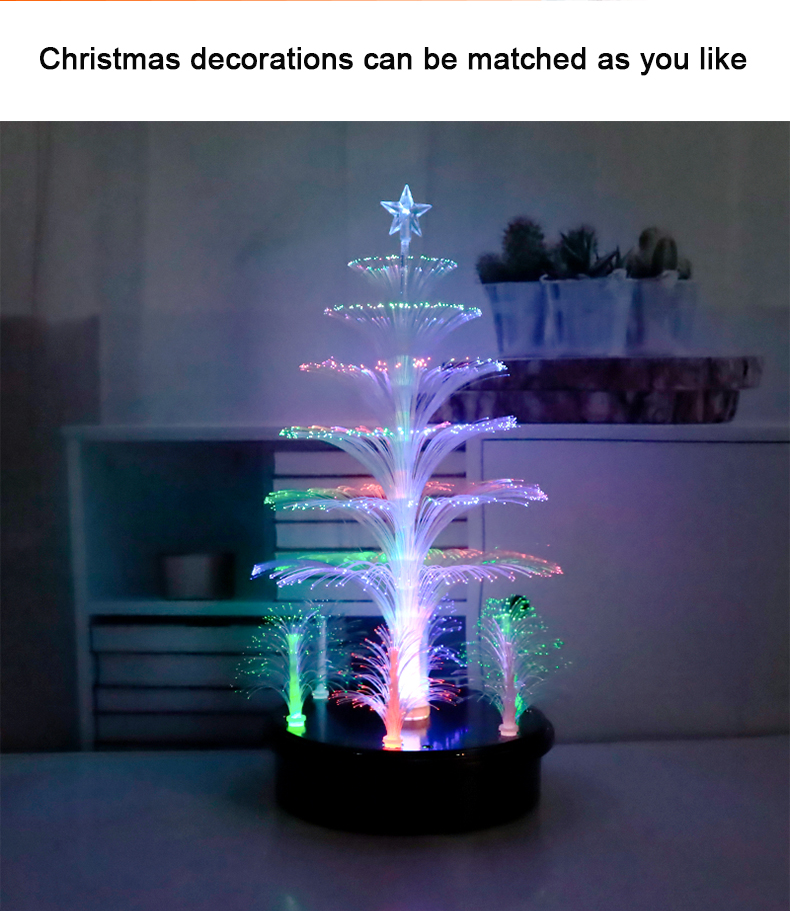
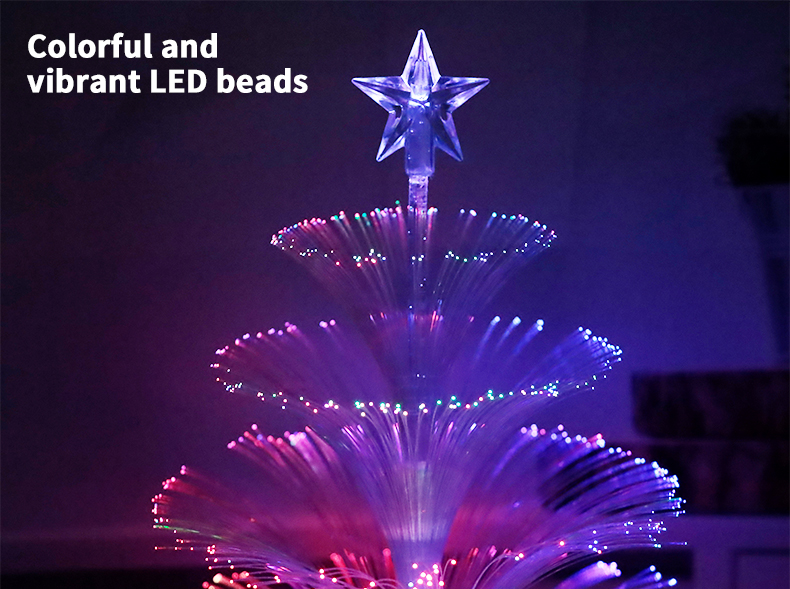
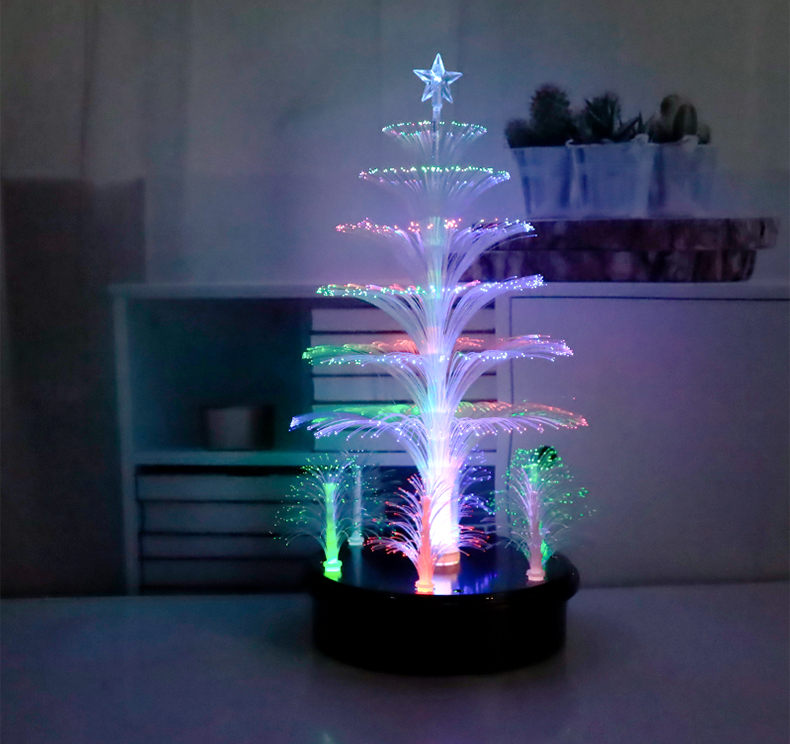


colorful rotating fiber christmas tree
$11
FOB
MOQ:
1000
Lead time:
35
Product Introduction:
Charging indicator light: Type-C charging, red light during charging, green light after fully charged;
Function: 1: When the toggle switch is turned to the middle, it defaults to turning off the lights.
2: Turn the toggle switch to the right to activate the rotation function, and the RGB light bead in the middle will gradually flash outwards through the fiber tree, while the fiber tree rotates 360 degrees. The fixed pattern of the entire RGB light bead on the edge emits red, green, and blue light to the surroundings by rotating the dial hole.
3: Turn the switch to the left to turn off the rotation function, and the RGB light bead in the middle will gradually flash through the fiber tree, causing the fiber tree to stop rotating. The fixed pattern of the entire RGB light bead on the edge emits red, green, and blue light to the surroundings through the rotary hole.
Function: 1: When the toggle switch is turned to the middle, it defaults to turning off the lights.
2: Turn the toggle switch to the right to activate the rotation function, and the RGB light bead in the middle will gradually flash outwards through the fiber tree, while the fiber tree rotates 360 degrees. The fixed pattern of the entire RGB light bead on the edge emits red, green, and blue light to the surroundings by rotating the dial hole.
3: Turn the switch to the left to turn off the rotation function, and the RGB light bead in the middle will gradually flash through the fiber tree, causing the fiber tree to stop rotating. The fixed pattern of the entire RGB light bead on the edge emits red, green, and blue light to the surroundings through the rotary hole.
Joey Zheng
John Qin